/Images/AI_Pictures/ricarda-schmidt-author.webp?width=30&name=ricarda-schmidt-author.webp) Ricarda Schmidt
Ricarda Schmidt
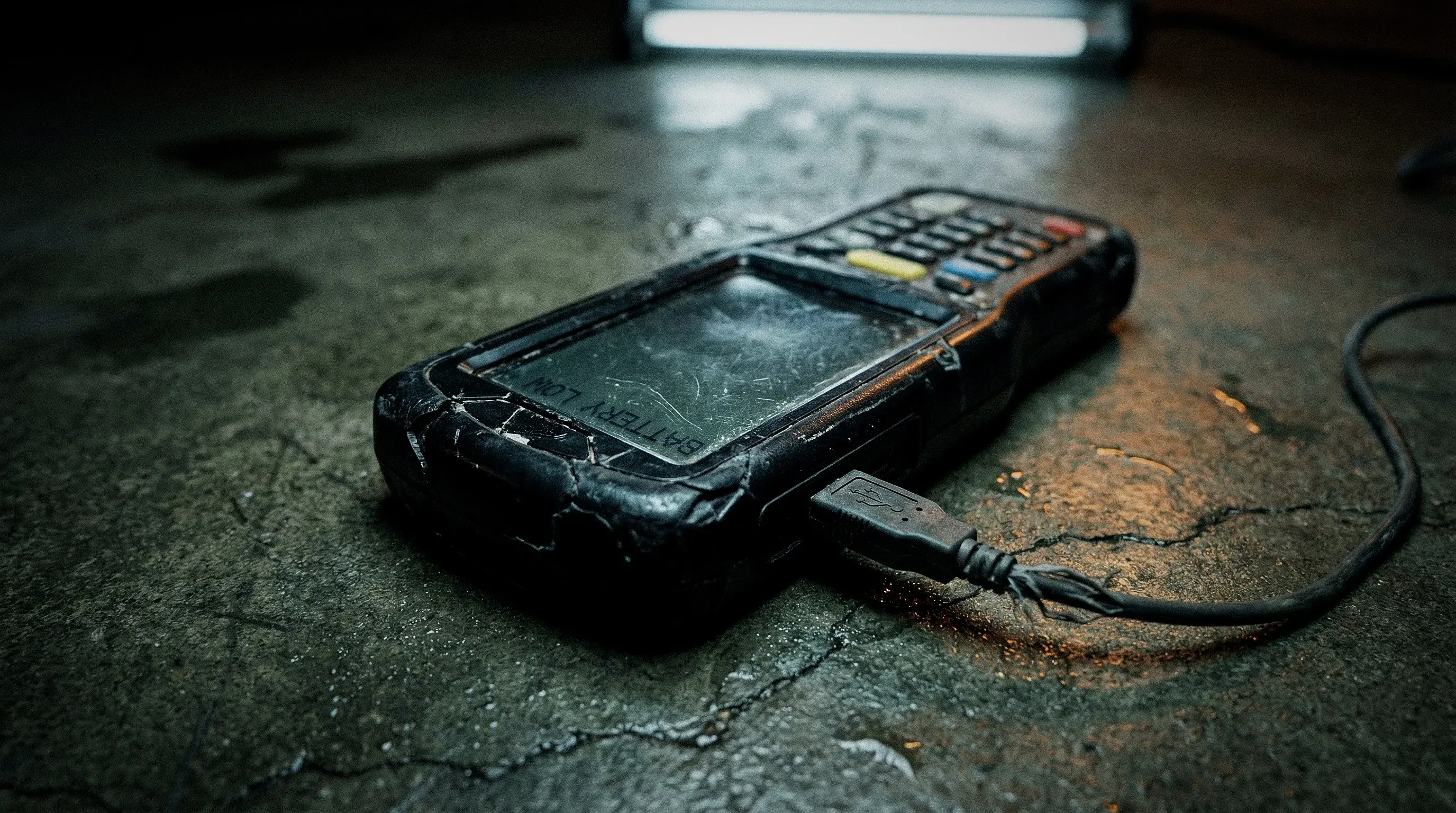
The wand won't sync, the desktop software crashes on Windows, and replacement units are either backordered or discontinued entirely. Your guard tour system vendor never sent a sunset notice and just stopped answering.
Quick summary: Hardware guard tour systems are dying. Vendors vanish, wands break without replacements, and compliance gaps follow. Switching to a smartphone-based security guard app like COREDINATE takes two to four weeks if you plan it right. This guide covers what to back up, how to run parallel, and how to get your guards on board without drama.
/Images/Icons/Problemstellung_Problems_Icon.svg) What Happens When Your Guard Tour Vendor Goes Dark
What Happens When Your Guard Tour Vendor Goes Dark
A guard tour system only works as long as someone maintains it. When the vendor stops, the decay follows a predictable sequence, and each stage makes the next one worse.
The software first. No updates means the desktop app falls behind the OS. Windows pushes a patch, and your patrol reader software won't launch. Every patrol record you've collected now depends on a single aging PC that just became a compatibility gamble.
Then the hardware breaks. Patrol wands get dropped on concrete, left in rain, shoved in pockets with keys. When your vendor stops manufacturing replacements, every dead wand means one site without verifiable patrol records. Buying spares off eBay is not a compliance strategy.
Then the gaps show up in audits. A client asks for last month's report and there's a hole where Site 7 should be because the reader died three weeks ago. Insurance adjusters, contract renewals, and incident investigations all need continuous documentation, and "the device broke" doesn't satisfy anyone writing a check.
Switching guard tour systems takes lead time. If you wait until the first wand fails on a Friday night, you end up making decisions under stress instead of with a plan.
/Images/Icons/Checkliste_OWKS_Icon.svg) Inventory Audit: Know What You're Replacing
Inventory Audit: Know What You're Replacing
Before you evaluate any new guard patrol system, document what you're running today. This inventory drives every decision you'll make about vendor selection, timeline, and budget.
Map out:
- Sites: How many locations use the guard tour system?
- Checkpoints per site: How many iButtons, RFID tags, or touch-points at each location?
- Active wands: How many patrol readers are in circulation? How many still work?
- Download routine: Who docks the data, how often, on which PC?
- Historical records: Can you export reports as CSV or Excel? Have you actually tested it?
- Client deliverables: Do clients receive regular patrol reports? What format?
The single most important thing you can do right now is export your historical data today. The old software still launches, so use that window to pull every report into CSV and store it somewhere safe. Once that application won't open anymore, those records are gone forever.
/Images/Icons/Kontrollpunktscan_OWKS_Icon.svg) Hardware Wands vs. Smartphone Guard Tour Apps
Hardware Wands vs. Smartphone Guard Tour Apps
The core difference between an RFID guard tour system and a smartphone-based security guard app is when you find out what happened. With wands, you learn after someone physically docks the reader. With a phone, you see it live.
| Criteria | Hardware Wand | Smartphone Guard Tour App |
|---|---|---|
| Device | Dedicated patrol reader | Android or iOS phone |
| Checkpoints | iButton or 125 kHz RFID | NFC tags (cents per unit) |
| Data transfer | Manual USB docking | Automatic, real-time |
| Security guard tracking | After-the-fact, on docking PC only | Live, from any browser |
| Reporting | Manual export from desktop software | Automated PDF and CSV |
| Client access | None | Optional client portal |
| Beyond patrols | Nothing | Digital logbook, time tracking, scheduling, incident reports, lone worker alarm |
| Offline | Always offline | Offline with automatic sync |
| Cost model | Upfront hardware buy | Monthly per-user license |
What reassures guards on the ground is that the core workflow stays identical. You walk to a checkpoint, scan it, and move on. The phone replaces the wand, NFC replaces iButton, but the motion is the same. What disappears is the USB docking ritual at the end of every shift.
Everything around the patrol changes, though. Operations gets real-time security guard tracking, reports reach clients automatically, and incidents get documented with photos on the spot instead of scribbled on paper. The phone your guards already carry becomes a digital logbook.
On cost, the upfront hardware purchase becomes a monthly license. Hardware replacement, Windows PC dependency, and daily manual downloads all vanish in return. Run the numbers: if USB docking takes 15 minutes per site per day, ten sites burn two and a half hours of admin time, every single day.
/Images/Icons/Erste_Schritte_Icon.svg) The Switch in 5 Steps
The Switch in 5 Steps
Replacing a guard tour system is not a six-month IT project. Most security companies finish in two to four weeks, and here is the sequence that works.
1. Back up everything. Export every patrol report, audit log, and client deliverable into CSV or Excel. These files are your archive and your insurance, so do this before anything else.
2. Pilot one site. Pick a single location, stick NFC tags at the checkpoints, install the guard tour app on one phone, and let an experienced officer run it for a week. COREDINATE offers a 14-day full-feature trial with NFC tags included and no credit card required.
3. Deploy NFC tags. They are self-adhesive and cost next to nothing. Budget five to ten minutes per checkpoint including system setup, and one person can tag an average site in a morning.
4. Run parallel. Keep the old and new systems running side by side for two to four weeks. Guards scan with both, which means more work upfront but zero documentation gaps, and you can compare reports directly.
5. Decommission. Once the new system is stable and everyone is trained, shut off the old one. Archive the exported data and retire the wands.
/Images/Icons/Mitarbeiter_OWKS_Icon.svg) Getting Your Guards on Board
Getting Your Guards on Board
Technology rarely kills a system switch, but communication can. Guards who don't understand why something changes will resist it, no matter how good the new tool is.
Explain the why: "Our vendor shut down and we need to switch so patrol records stay intact." That is not a management initiative, it is a fact, and honesty buys more goodwill than any feature demo.
Explain what changes: "You scan checkpoints with your phone instead of the wand, but the route and the checkpoints stay the same." Lead with what stays the same and save the twenty new features for later.
Explain what gets easier: "You won't carry a second device anymore, there's no USB docking after your shift, and you can snap incident photos straight from your phone."
Budget 15 to 30 minutes per guard for a walkthrough where they open the security guard app, scan a tag, and log an incident. That is really all it takes. If they can use a smartphone, they can use a smartphone-based guard tour system.
/Images/Icons/Fragezeichen_Icon.svg) Frequently Asked Questions
Frequently Asked Questions
Can I migrate old patrol data to the new system?
No, guard tour systems use incompatible data formats. Export your reports as CSV or Excel before switching, because that export becomes your permanent archive. The new system starts clean without legacy clutter or corrupted records.
Do I need new tags at every checkpoint?
Yes, because iButtons and legacy RFID tags run on different frequencies than NFC. The upside is that NFC tags cost almost nothing, they are self-adhesive, and they take seconds to place. One person can re-tag an average site in a morning. For outdoor areas, GPS checkpoints are also available and included in the license price.
How long does the full switch take?
Two to four weeks including the pilot and parallel operation. The actual setup of creating sites, placing tags, and installing the app takes days, not weeks.
What does a smartphone guard tour system cost?
Most providers charge a monthly fee per user. With COREDINATE, that comes to $32/month on a 24-month plan or $52/month on a flexible contract. You will also need NFC tags, which cost very little, and smartphones if your guards don't already carry company phones.
Does it work without cell service?
Yes, any serious guard tour app works offline. COREDINATE stores checkpoint scans, logbook entries, and incident reports locally and syncs everything automatically when connectivity returns. Your guards don't need a cell signal during patrols.
Try COREDINATE free for 14 days
Test kit with NFC tags, full app access, and every feature unlocked. No contract and no credit card needed.
Order free test kit →All features | COREDINATE guard tour system
Or call: +49 (0) 9842 80491-20
/Images/Product_images/Testset_incl_Icons_400Pixel.webp)
You are not yet using the COREDINATE® guard control system? Then it's time to put our test set through its paces for 14 days free of charge and without obligation.
/Images/Icons/Social%20Media/facebook_gray.svg)
/Images/Icons/Social%20Media/linkedin_gray.svg)
/Images/Icons/Social%20Media/x_gray.svg)
/Images/Icons/Social%20Media/xing_gray.svg)