Security templates/Post orders
Security post orders template
Post orders are the written instructions for one security post: what the officer guards, which duties run at which time, whom to call and what to record. UK contractors call them assignment instructions. This free template covers all ten sections in Word and PDF, with a filled-in example.
Free, no sign-up. Every file has the blank form first and a filled-in worked example at the end. Edit the Word file to add your logo, site details and wording.
What post orders must contain
Good post orders let an officer who has never seen the site work the post correctly on the first night. That means site-specific facts, times and names, written down. General company policy belongs in the staff handbook, and the post orders point to it.
The template has these sections:
- Document control
- Site and post overview
- Contacts and escalation
- Duties by time of shift
- Patrols
- Access control, visitors and deliveries
- Keys, alarms and site systems
- Incidents and emergencies
- Limits of authority
- Officer acknowledgement
| Section | Why it is there |
|---|---|
| Document control | Version number, effective date and review date show which instructions applied on the night of an incident. Clients and auditors ask this first. |
| Post schedule | Days, hours, number of officers and licence type per post. In the US, state whether the post is armed or unarmed. In the UK, name the SIA licence sector the post needs. |
| Contacts and escalation | One table, in calling order, with the reason to call each person. Officers lose time when they have to work out whom to call during an incident. |
| Duties by time | Fixed times for locking, unlocking, patrols and checks, plus the form each duty is recorded in. This is what a supervisor checks the log against. |
| Patrols | Route, frequency, checkpoints and what to look for at each one. "Patrol the yard" is not checkable; "check trailer seals at Y1 to Y8 at 22:00 and 02:00" is. |
| Incidents and emergencies | The first action, whom to notify and which form to complete for each likely situation on this site. |
| Limits of authority | What the officer must not do, such as leaving the site to pursue someone or searching bags without the client's written policy. |
| Acknowledgement and client sign-off | Signatures prove each officer read the current version and the client agreed it. |
Keep alarm codes, safe combinations and passwords out of post orders. The document sits at the post and is copied; codes belong in a sealed or access-controlled record.
US post orders and UK assignment instructions: what differs
The content is the same, but the requirement comes from different places. In the UK, the SIA expects written assignment instructions from every approved contractor. In the US, post orders are a contract document; federal buildings protected by the Federal Protective Service are a well-documented example where post orders are mandatory.
United Kingdom: assignment instructions under the ACS
The SIA Approved Contractor Scheme workbook guide (July 2026) describes assignment instructions as the lowest level of a company's service delivery processes and calls them "the minimum requirement for approval against the ACS standard". It adds that there should be "clear, accurate and up to date assignment instructions in place for all contracts" and that verbal communication alone is not acceptable. Its example list of contents includes timekeeping, supervisory visits, the daily occurrence book, patrols and management response. As good practice it names instructions developed with the customer and signed off by the customer, with photographs of the site included.
The British Standard for static guarding is BS 7499 (see the NSI scheme overview). The standard is paid-for, so check its clauses on assignment instructions in your own copy.
United States: post orders as a contract document
For private guard companies, the duty to keep post orders usually comes from the client contract. For federal buildings, FPS Directive 15.9.3.1 requires that "post orders are at every security post" and says the specific duties of each post are outlined in its post orders, including the facility's prohibited items list at screening posts.
In both countries, make the licence or registration number part of the officer acknowledgement. It ties each signature to a licensed person.
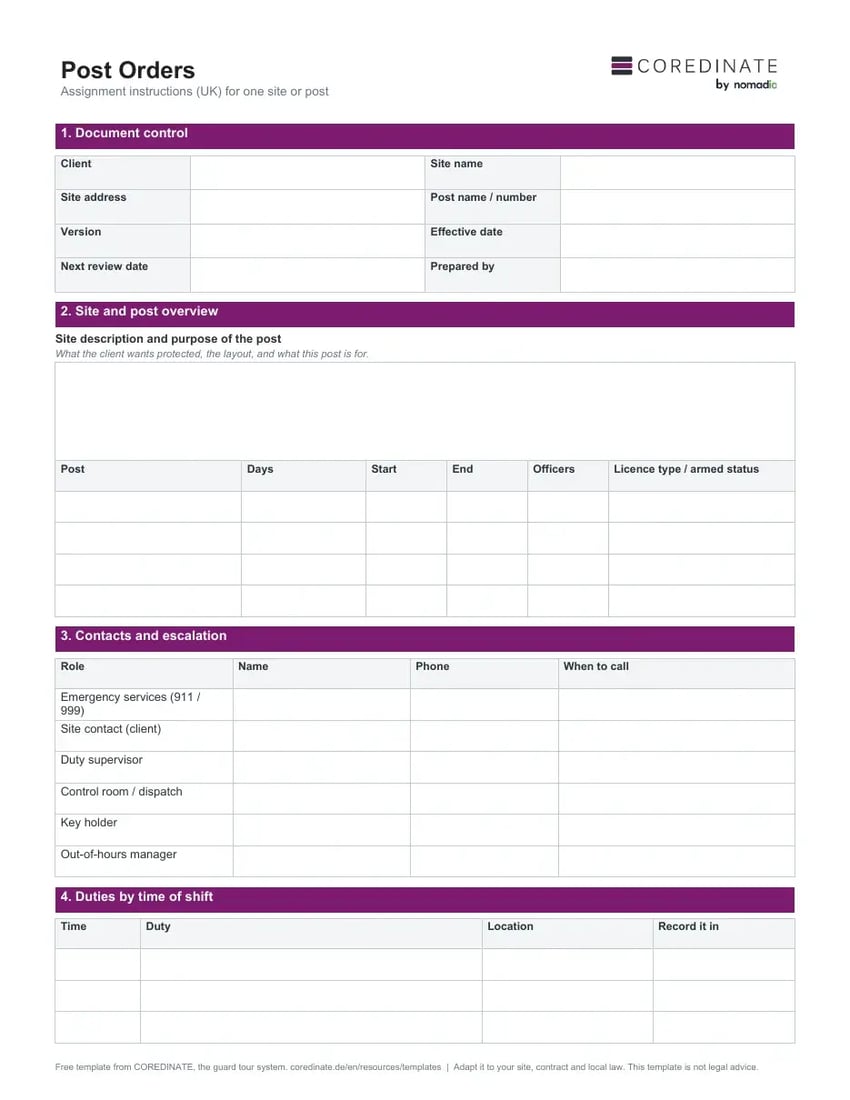
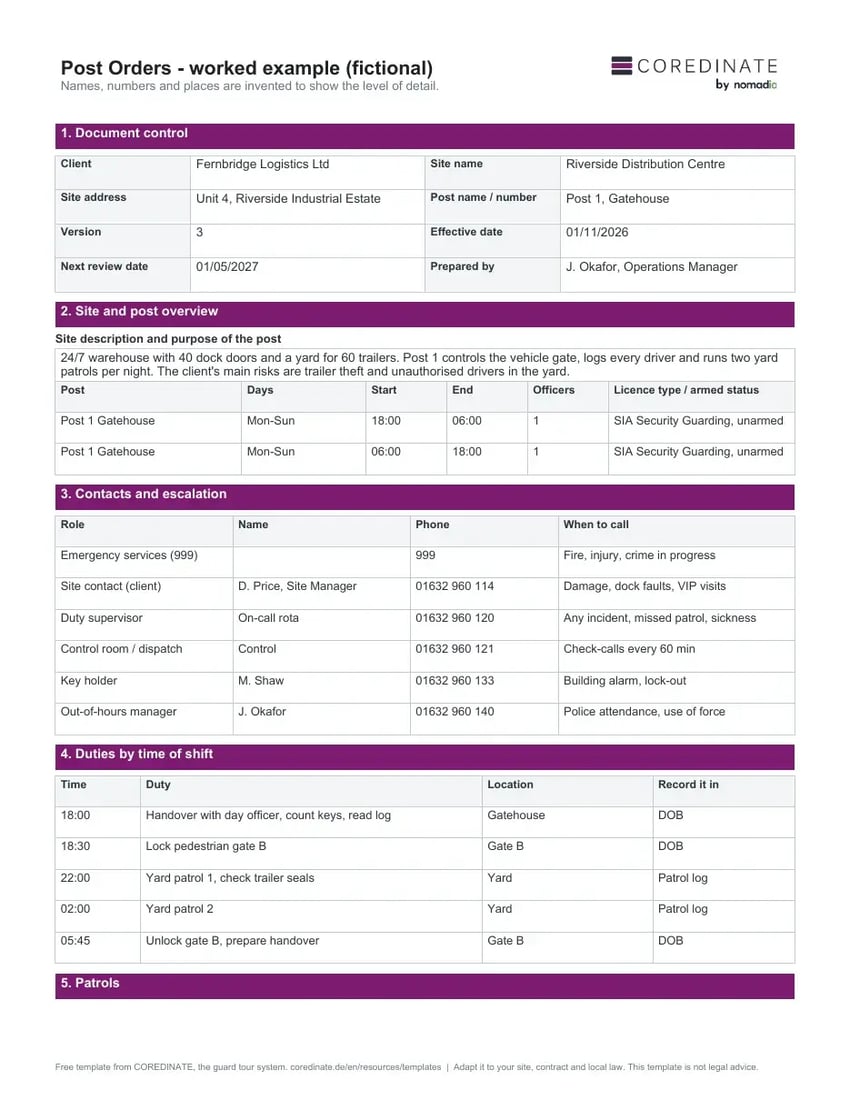
Template preview
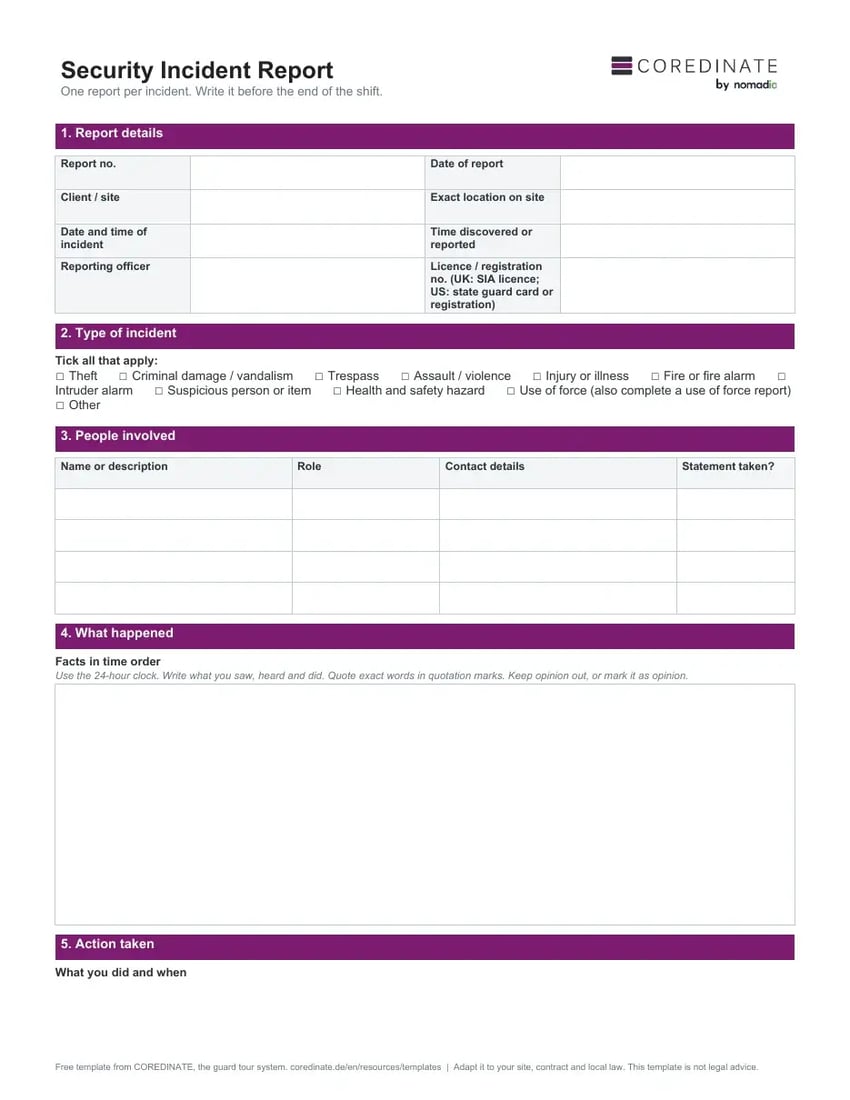
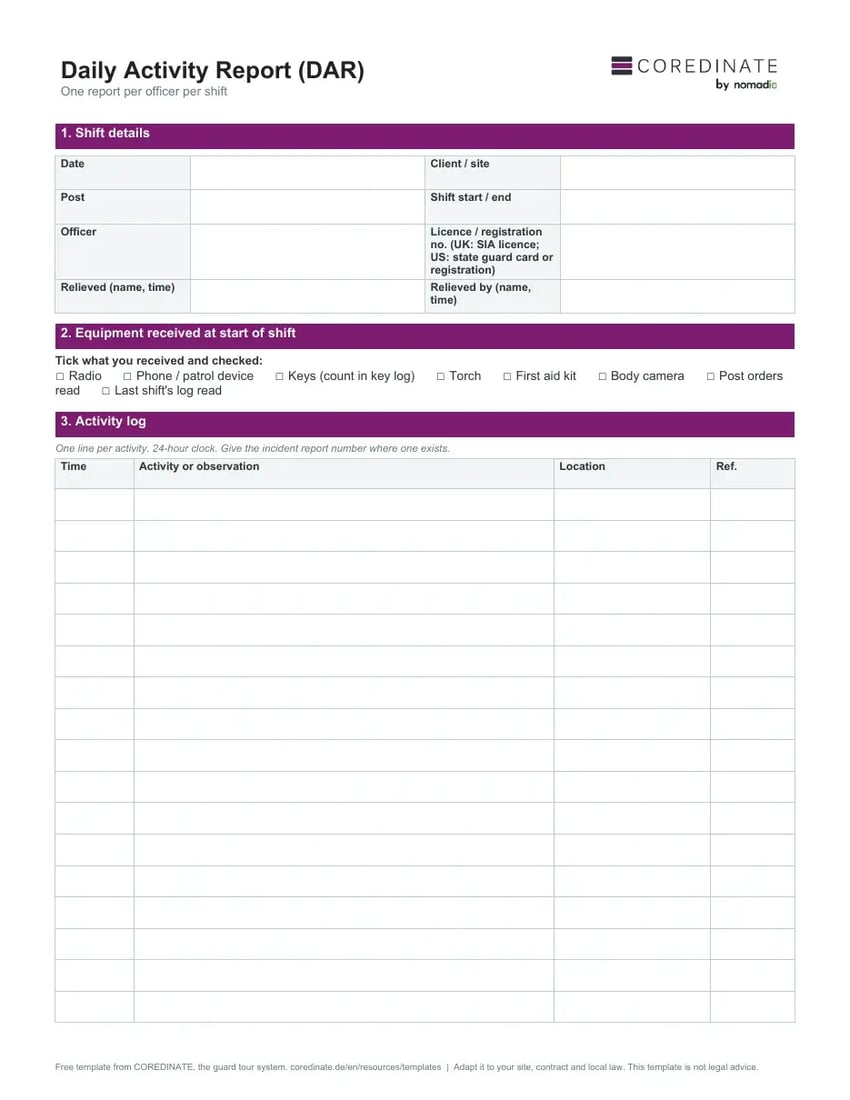
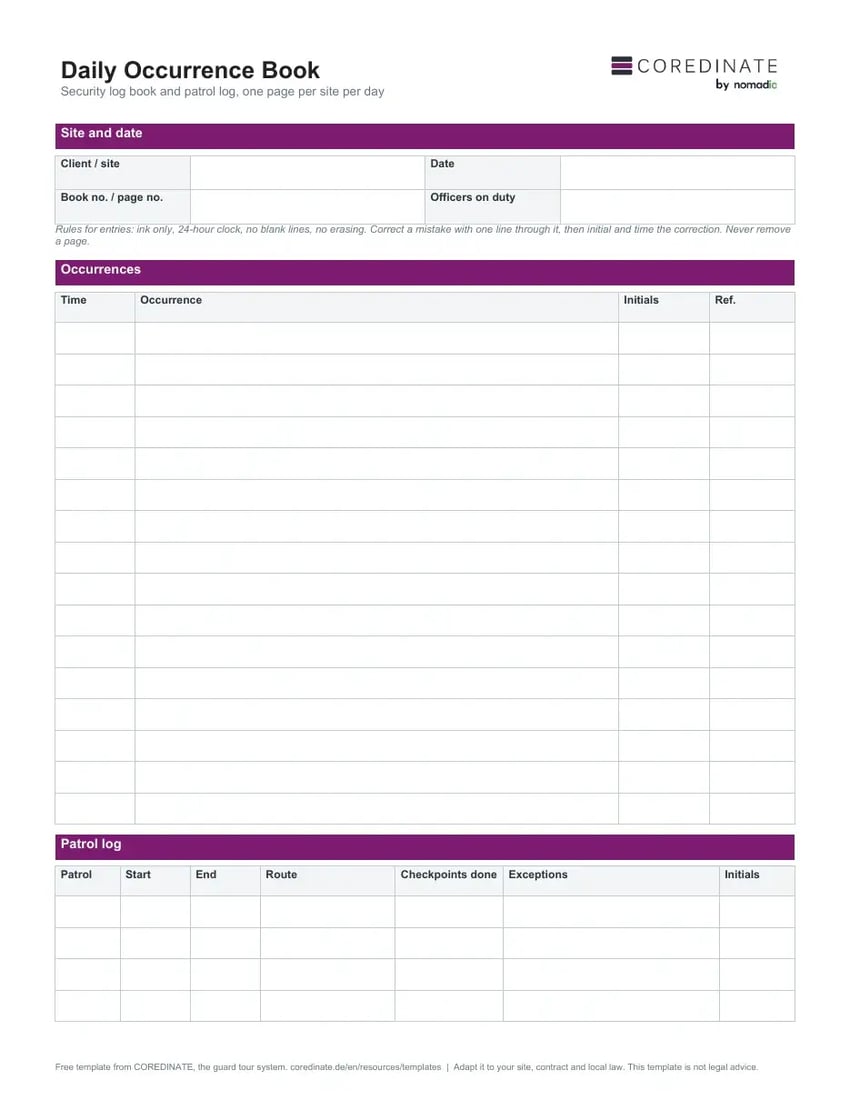
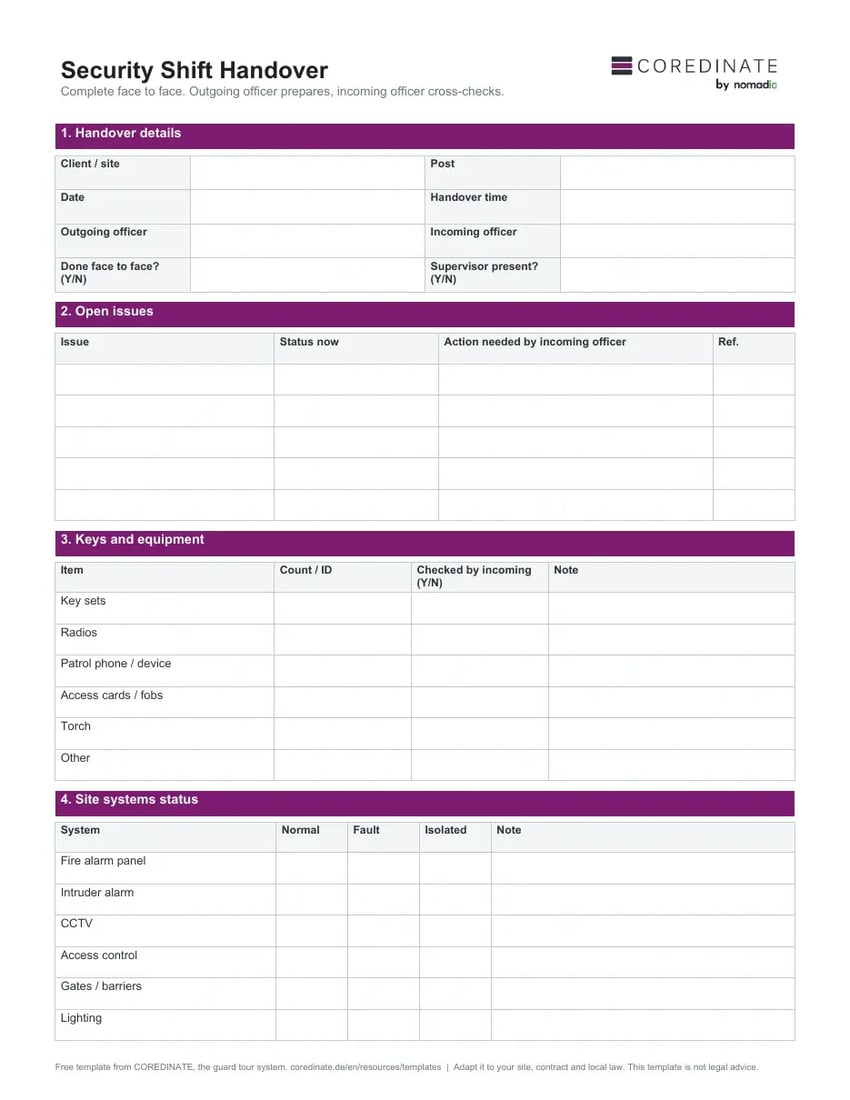
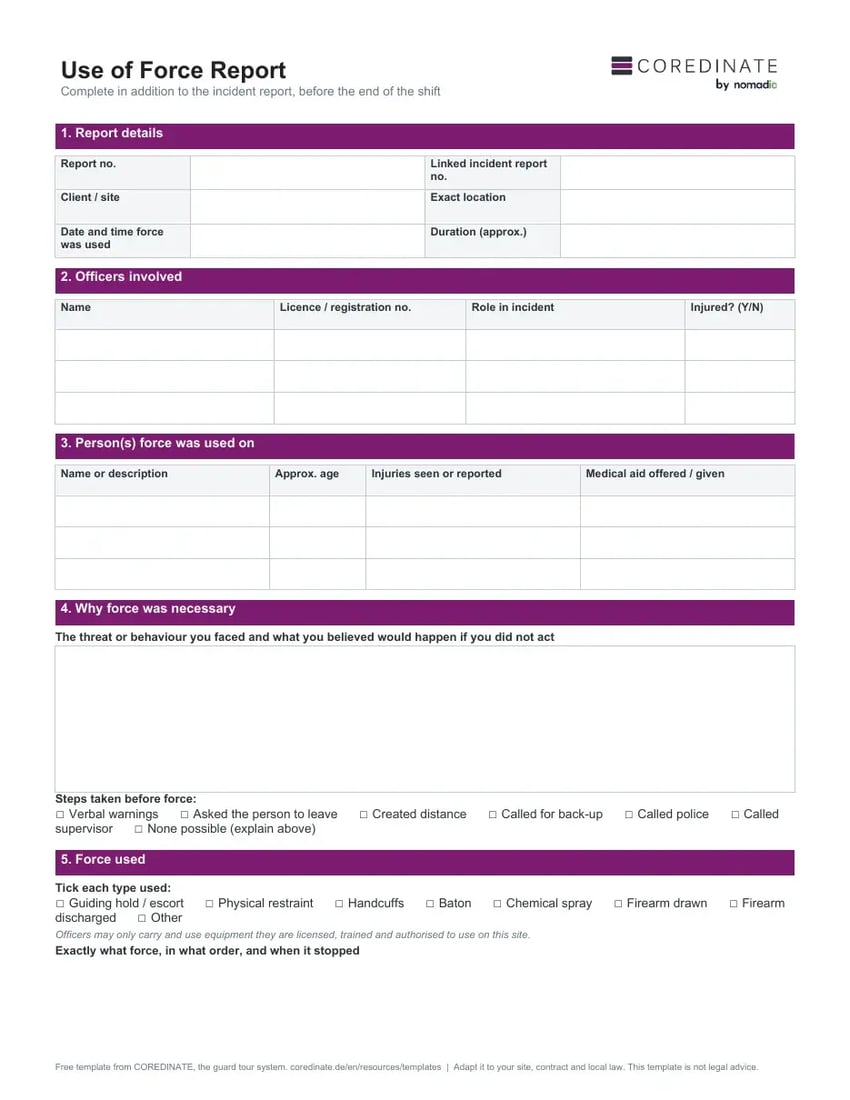
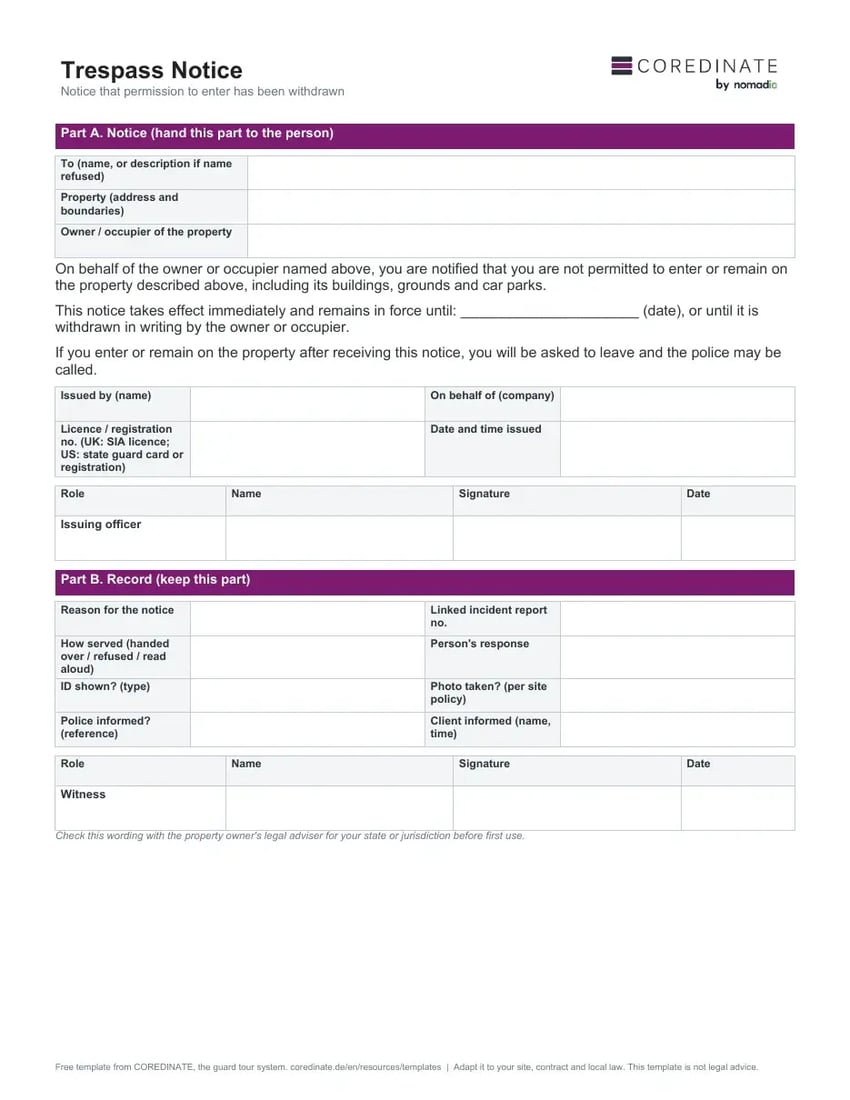
Page 1 of the blank form and the worked example for a fictional warehouse gatehouse. The example shows the level of detail that makes post orders usable: times, checkpoint numbers and named contacts.
How to write post orders officers follow
- Walk the site with the client before you write. Note every door, gate, key and system the post is responsible for.
- Write duties as actions with a time and a place. One duty per line.
- Link every duty to the record it produces, such as the daily occurrence book or a security incident report.
- Get the client's signature on each version and write a review date on the first page. Review sooner after any incident or site change.
- Brief every officer on the post, including relief and agency staff, and collect their signatures before their first shift.
Post orders in a guard tour app
Paper post orders have two weak points: nobody can see whether an officer read the latest version, and duties written on page 4 get forgotten at 03:00. In COREDINATE's guard tour system, site instructions can be published as messages that each officer confirms, on request with a digital signature that is stored and exportable. Timed duties become tasks linked to checkpoints, for example "only on Wednesdays from 21:00": the task appears when the officer scans that checkpoint, and the officer must report whether it was done and give a reason if not. Route lists can be exported to Excel with route instructions as an annex to the post orders.
Frequently asked questions
What are post orders in security?
Post orders are the written instructions for a specific security post. They list the site, the hours, the duties by time, patrol routes, contacts, emergency procedures and the limits of the officer's authority. In the UK the same document is called assignment instructions.
Who writes and approves post orders?
The security company writes them after a site survey with the client. The client approves and signs them, and every officer working the post signs that they have read the current version.
How often should post orders be updated?
Write a fixed review date on the first page and update them sooner after any incident, change of client contact, new system or change of hours. Keep the version number and effective date on the first page.
Are assignment instructions required in the UK?
For SIA approved contractors, yes. The ACS workbook guide calls assignment instructions the minimum requirement for approval and says there should be clear, up to date assignment instructions for all contracts, not verbal instructions alone.
Should alarm codes go in post orders?
No. Post orders stay at the post and are copied. Keep codes, combinations and passwords in a separate, access-controlled record and say in the post orders where an authorised officer gets them.
Put your post orders on the officer's phone
Order a free test kit and try tasks at checkpoints and confirmed site instructions in COREDINATE's guard tour app for 14 days.